Screenshot gallery
Built for everyday billing work
See how BillingMate helps service businesses create quotes, manage invoices, track payments, and keep cash flow moving without the usual admin overhead.
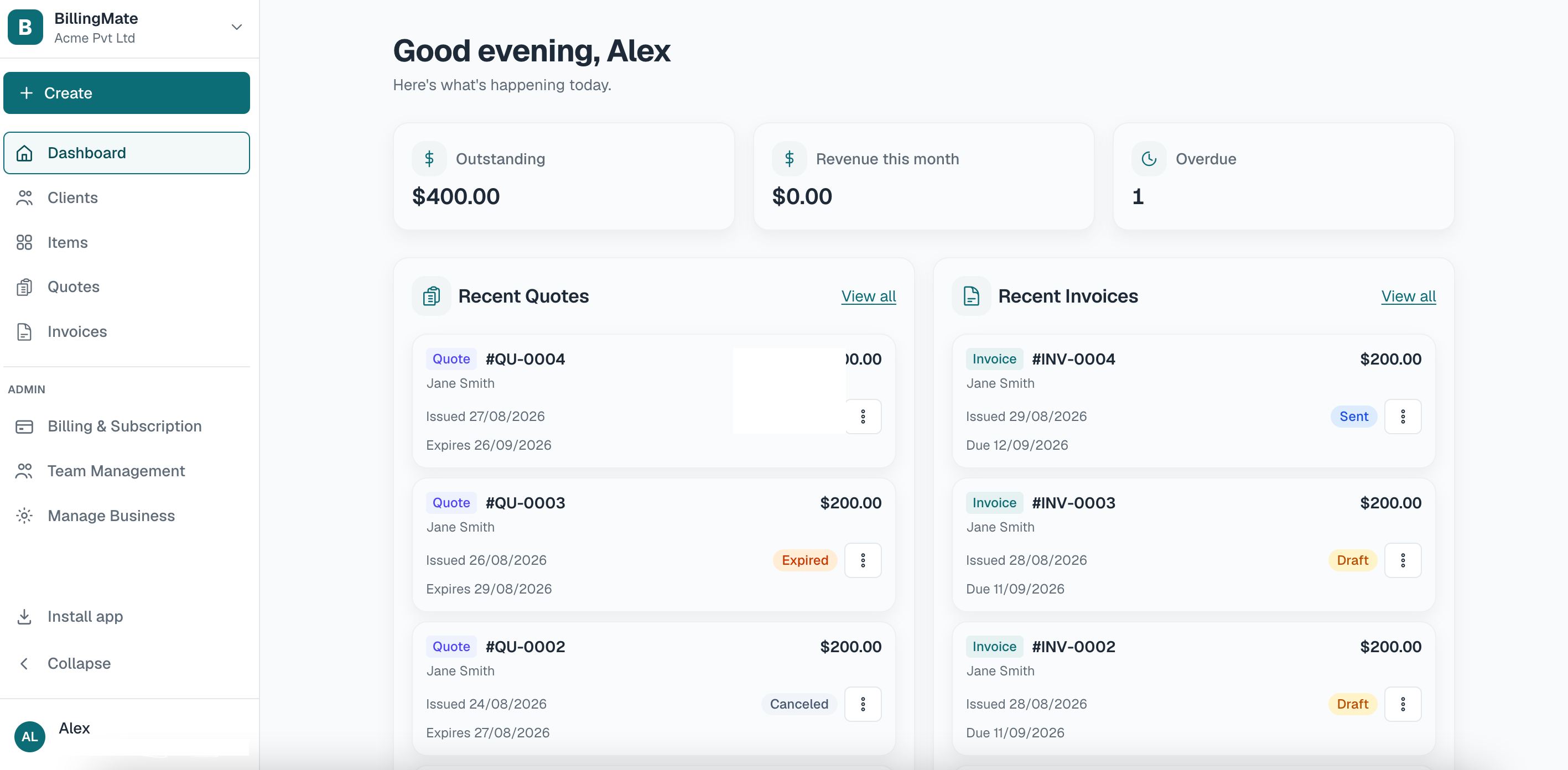
1. Desktop dashboard
Desktop dashboard
See cash flow at a glance with a wider desktop view for quotes, invoices, and revenue reporting.
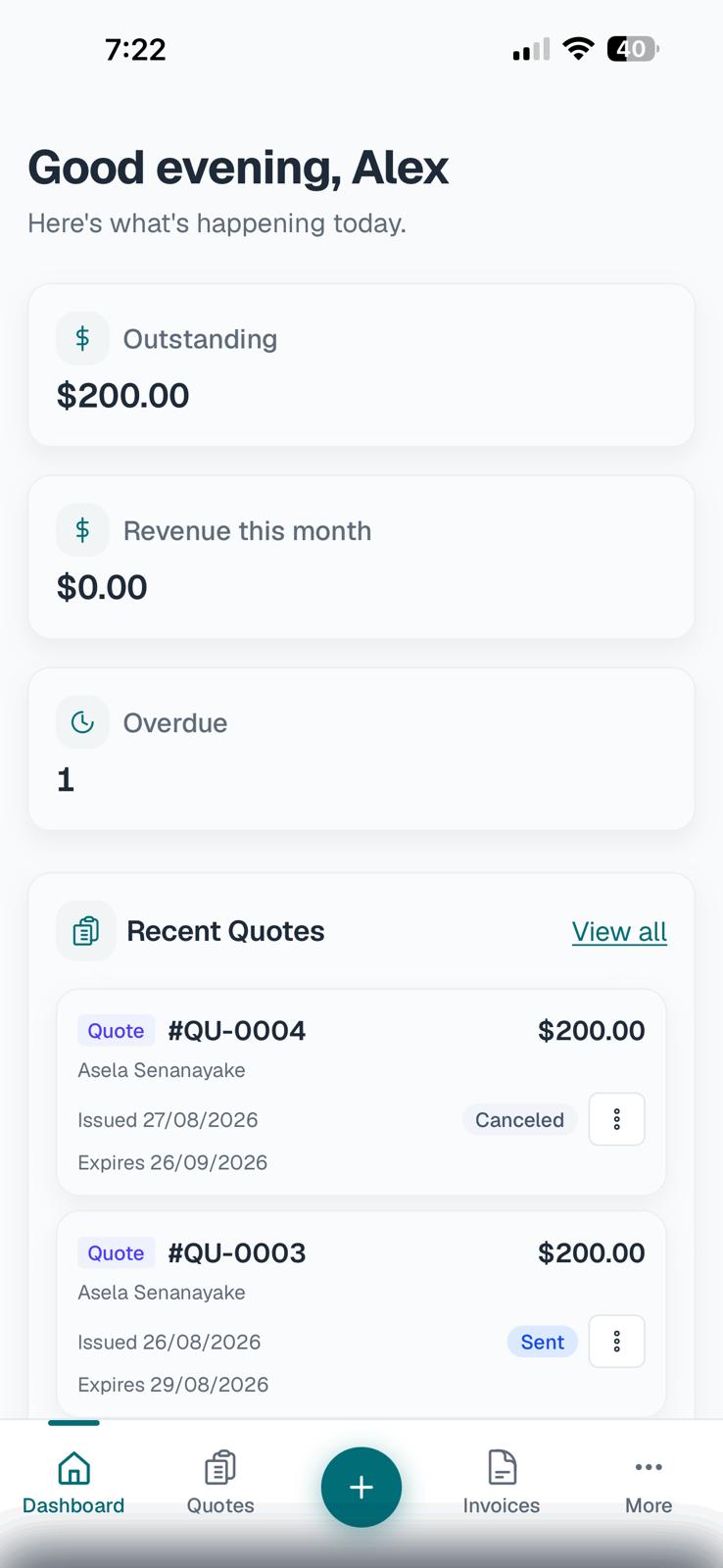
2. Mobile dashboard
Mobile dashboard
A clean daily snapshot of clients, invoices, and overdue work.
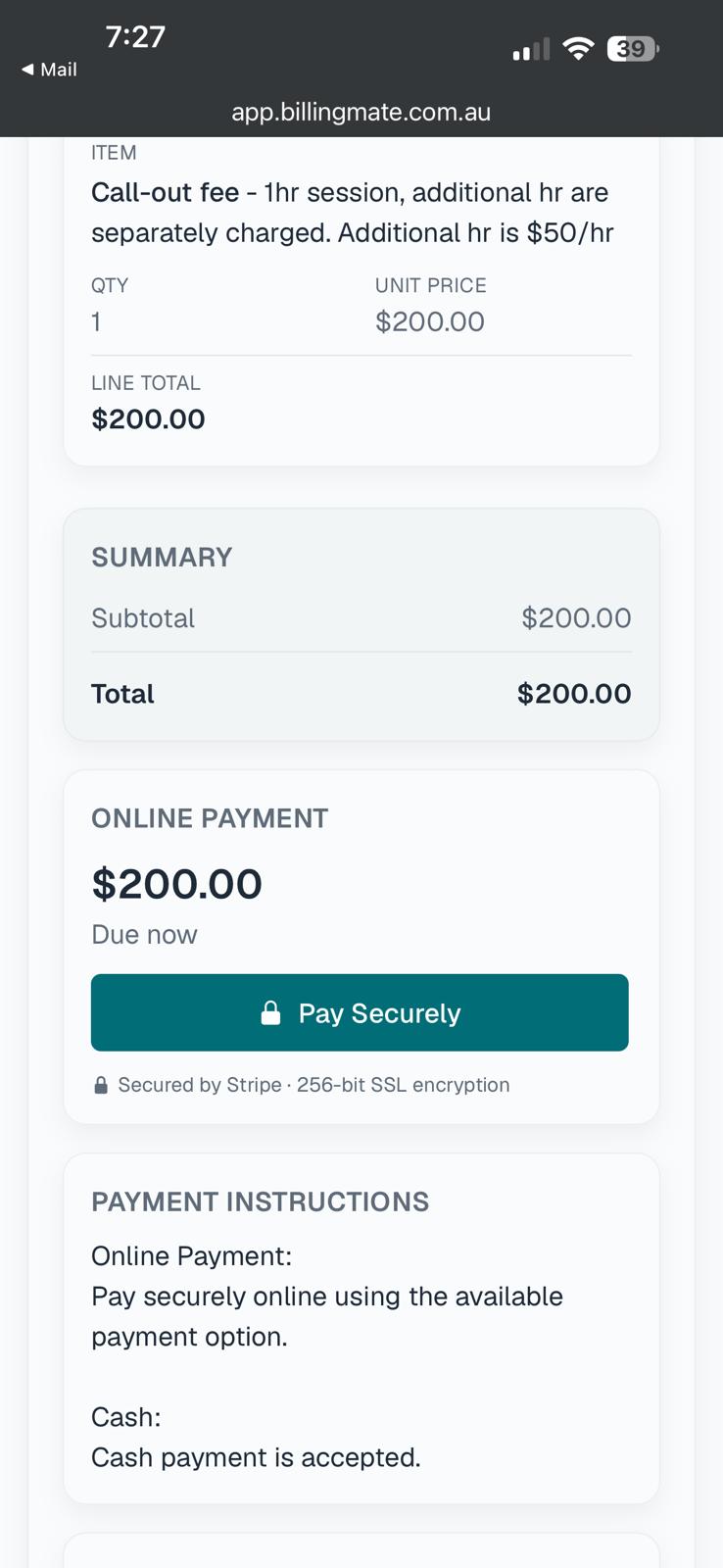
3. Secure invoice payment
Secure invoice payment
Clients can review charges, confirm totals, and pay online in a clear, trusted checkout flow.
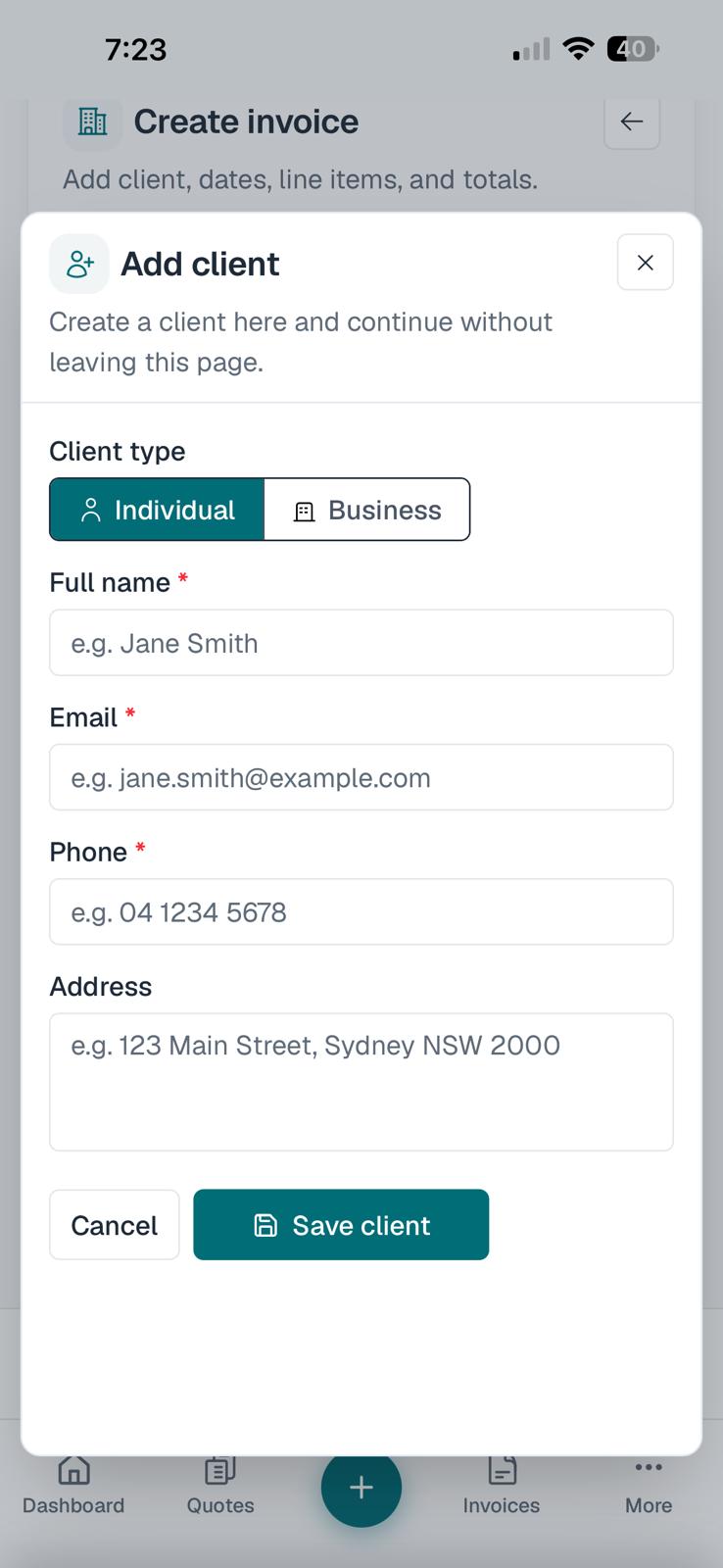
4. Create invoice
Create invoice
Build a new invoice by adding client details, line items, discounts, and totals in one guided flow.
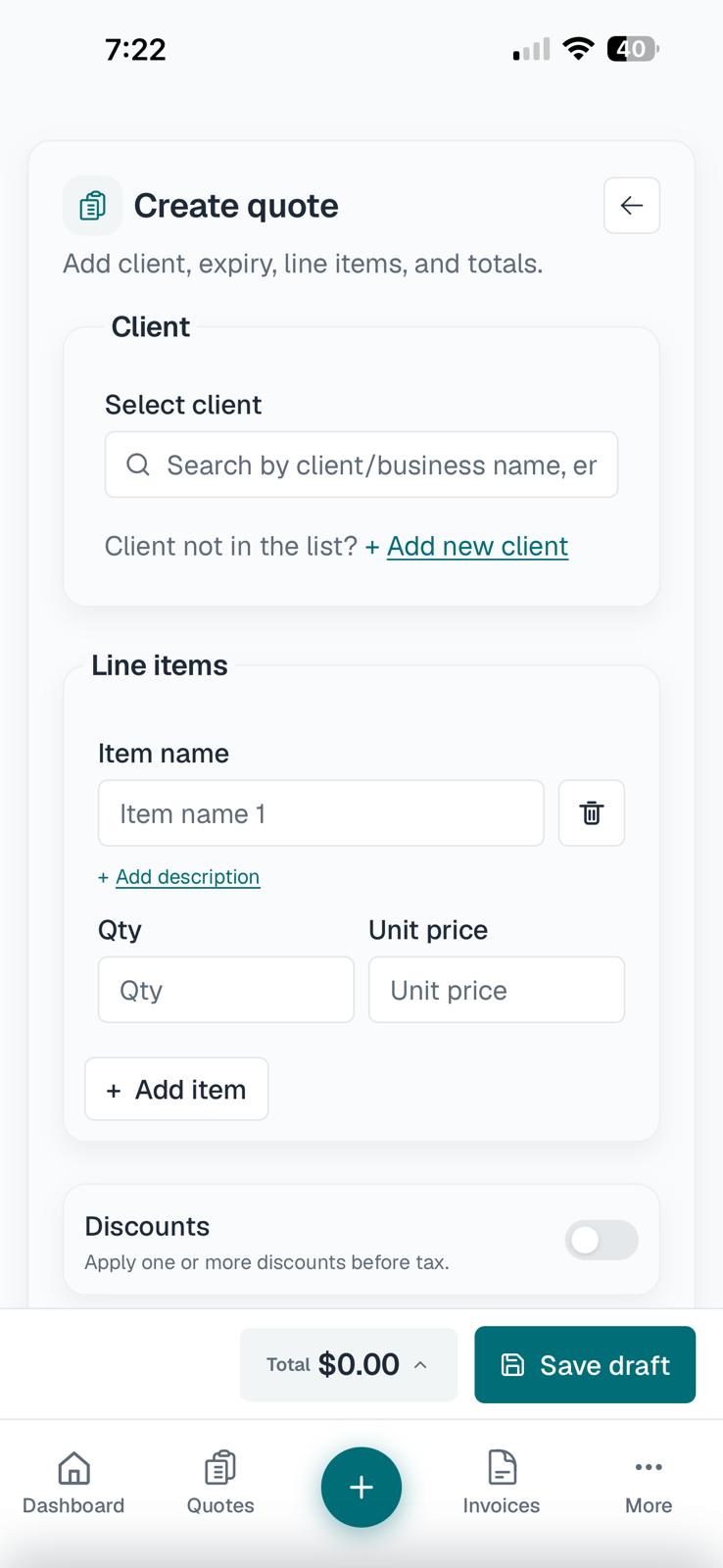
5. Create quote
Create quote
Add the client, line items, pricing, and totals in one clean quote-building flow.
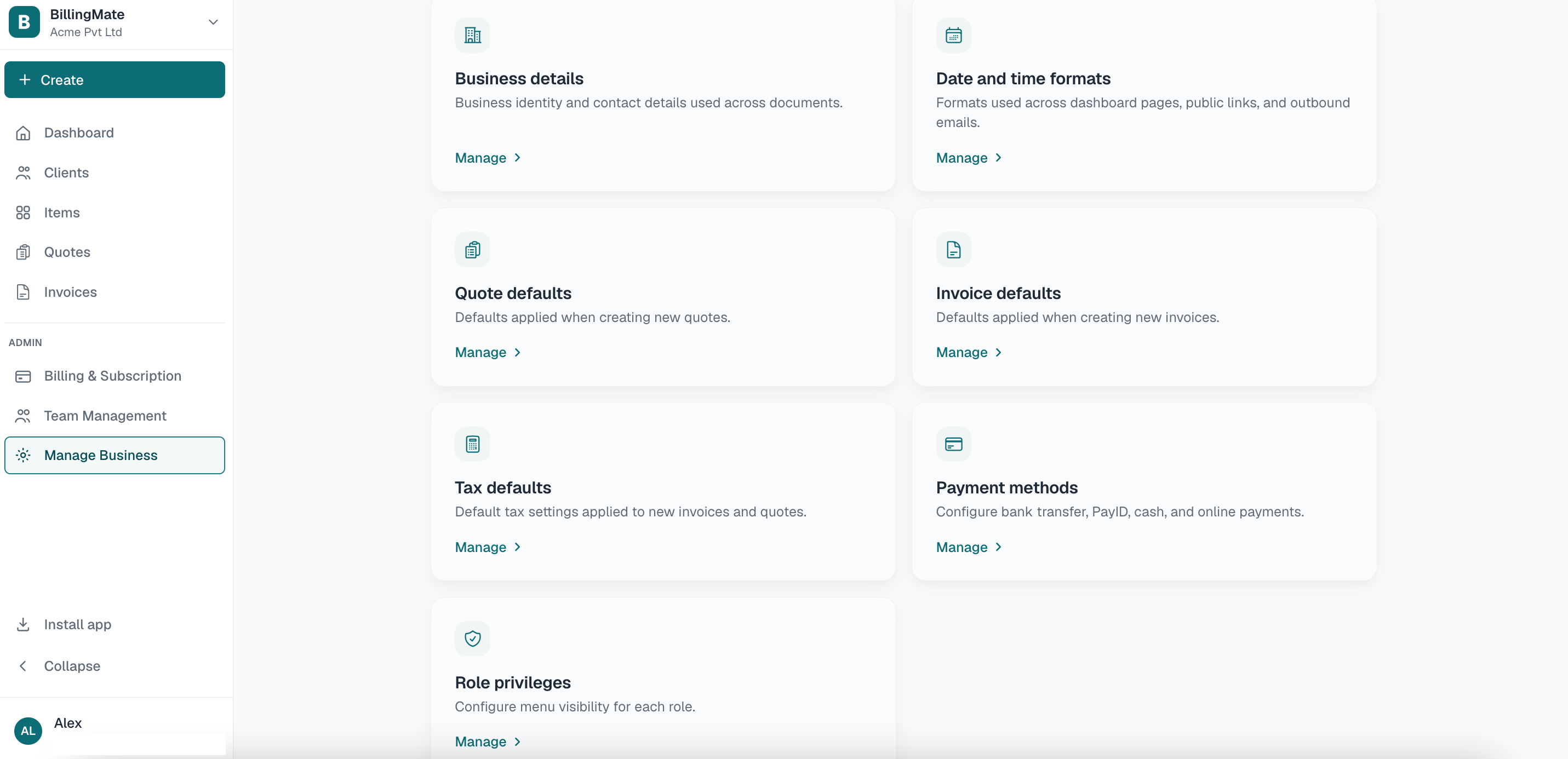
6. Desktop settings
Desktop settings
Manage your business preferences, payment rules, and account controls from a dedicated desktop settings view.